Document workflow automation by rule
Use rules, schedules and approval steps to handle recurring document tasks in your shared workspace.
Limits and supported formats are confirmed with you during onboarding.

Define what starts the work
Choose a supported trigger, such as a file arriving in a connected folder or a scheduled task. Define the document task the rule should handle.

File and route the document
Use the rule to name the file, convert a supported format, place it in a shared space and send it for review.
See what the rule did
Review the activity for running and completed jobs. Use the document and its recorded result to follow up on the next step.

Bring intake into the workflow
Use connected folders and supported scheduled collection to bring documents into the same filing and review process.
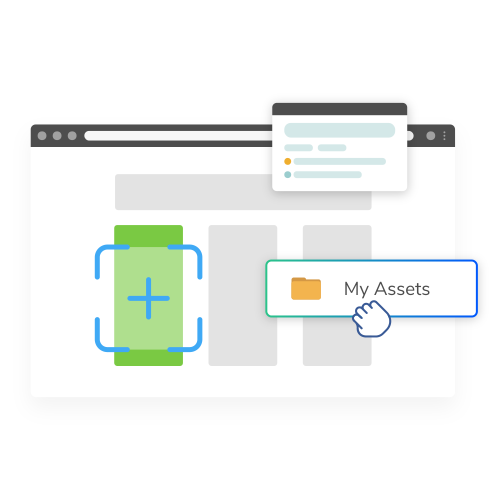

A supplier document example
A supplier file arrives in a connected folder. A rule files it in the project space and routes it for review.
Incoming file → filing rule → project space → review.
This is an illustrative workflow, not a recording of a completed run in your workspace.
More ways to work
Rule controls — edit, pause or re-run a rule and inspect the recorded result.
Trigger conditions — use supported source, file-type, sender or filename conditions.
Background processing — return to supported server-side jobs after closing the browser.
Connected drives — connect Google Drive or OneDrive to supported file and search workflows.
Discuss your document workflow
Tell us what your team needs to store, find or review. We will show you how Repora handles it and confirm the details relevant to your workflow.
- Set up with our team
- No card needed to talk to us
- Files are stored in the European Union


