Operations documents, working by rule
An active workspace for the documents your business runs on. They arrive, get converted, filed and routed by rule, and one search covers Repora and every connected drive.
Limits and supported formats are confirmed with you during onboarding.

The document work that sits between your systems
Orders live in one system and invoices live in another. The contracts, site reports, specifications and drawings that connect them live in an inbox, on a laptop and in a shared folder nobody owns. Operations carries that gap, and carries it by hand. Repora gives that middle layer a place to sit, with the routine steps written down as rules instead of remembered by one person.
A space per site, project or supplier
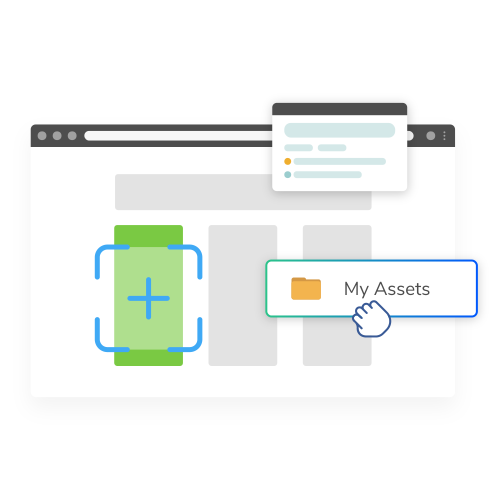
Create a shared space for each piece of the operation, with folders inside it and access controlled on the space. Every document carries version history, so the current revision of a drawing and the one it replaced are both identifiable. Removing somebody from a space revokes their access immediately; the documents stay where they are.

Filing and routing on a rule, not on somebody’s memory
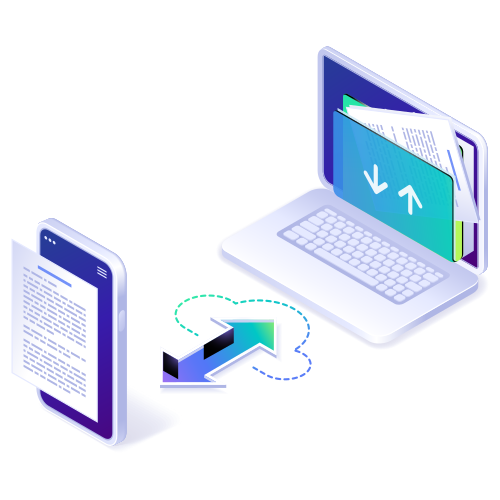
A rule can name an incoming document, convert it to the format the next step needs, file it in the right space and send it out for review. Jobs run on Repora’s servers, and the activity view records what each run did. When somebody is on leave, the intake still happens.

One search across Repora and connected drives
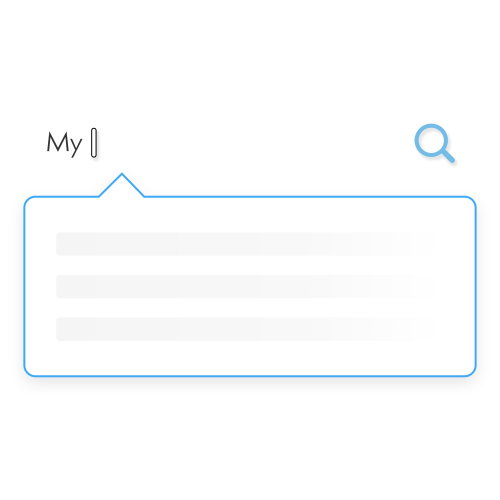
Search by name, type, owner or date, narrow to a single shared space or file type, and read a preview before you open or send anything. Built-in viewers handle documents, PDFs, images, audio and video in the browser, so a reviewer does not need another local copy.
What is in place
In place: shared spaces with folders and access control, version history on every document, built-in viewers, search across Repora, server-side conversions, and rules that name, convert, file and route an incoming document.
Also included: connected Google Drive and OneDrive folders, natural-language search, background processing after you close the browser, and the finer rule trigger conditions.
Not claimed: Repora holds no SOC 2 report and no ISO 27001 certification, we publish no penetration-test report, and we give no contractual uptime commitment. Ask us a specific question and we will answer it in writing.
See it on your own documents
Tell us what your team needs to store, find or review. We will show you how Repora handles it and confirm the details relevant to your workflow.
- Bring the document types that slow your week down
- We map the intake, filing and routing steps you repeat
- You get a straight answer on what is supported today